
Create and share a digital wishlist (so you get what you want)
Quick answer
Make a digital wishlist, share the link, set preferences per gift — and avoid duplicate gifts.
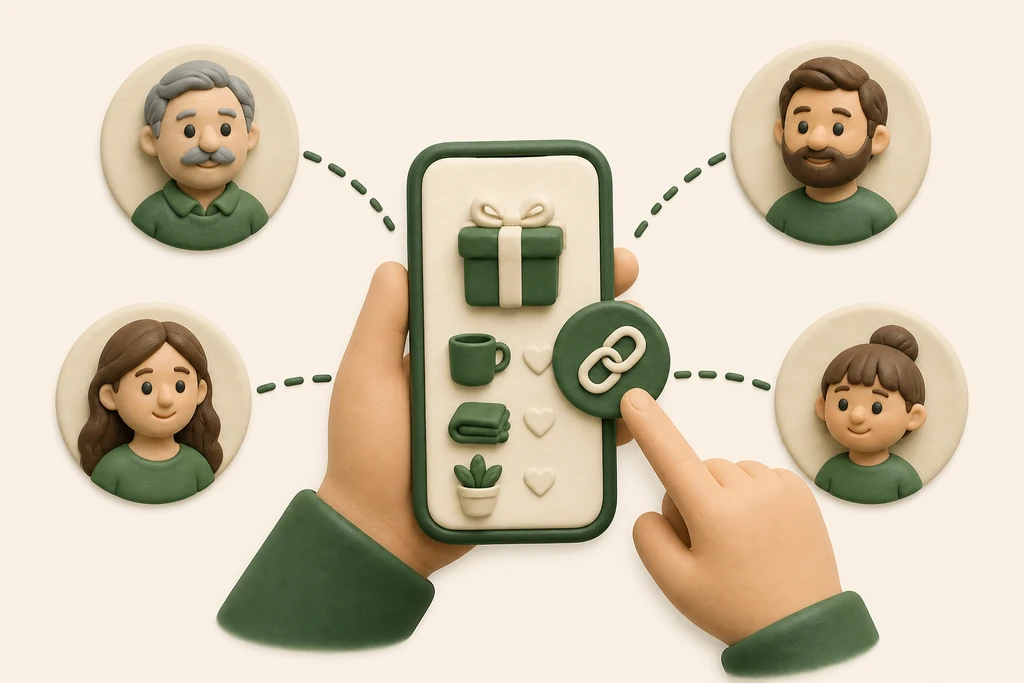
A digital wish list saves givers guesswork and you disappointment. On Ribbon Pull you set items with the Happiness bar, share one link, and others can check off without you seeing.
Handy for Sinterklaas, Christmas, birthday, or baby shower.
How to set up a strong list
Add 5–12 items in different price ranges. Mix 'safe' choices with one or two dream gifts.
Set per item how much you want it via the Happiness bar — so givers know what has priority when budget is tight.
Share the link in the right places
Paste your share link in the gift-draw group, family WhatsApp, or invitation. One current link is better than screenshots that go stale.
Make separate lists for work and family if budgets differ.
Prevent duplicate gifts
Givers check off what they buy — you do not see that. That keeps the surprise, but not everyone buys the same pan.
Remind the group to check off after ordering, not only on the celebration day.
Keep the list alive
Something sold out? Replace it.
Taste changed? Update the Happiness bar.
Handy if the draw was early and December is still far away.
Digital list vs. note on the door
Paper lists disappear, are not shareable remotely, and show no preference strength. Digital scales to grandpa far away and the nephew next door.
Plus: direct links to Bol.com and Amazon without you paying more.
Conclusion: how to put it into practice
A digital wish list is the kindest thing you can give your givers (and yourself): clear wishes, less stress, more spot-on unwrapping moments. Create it today and share the link.